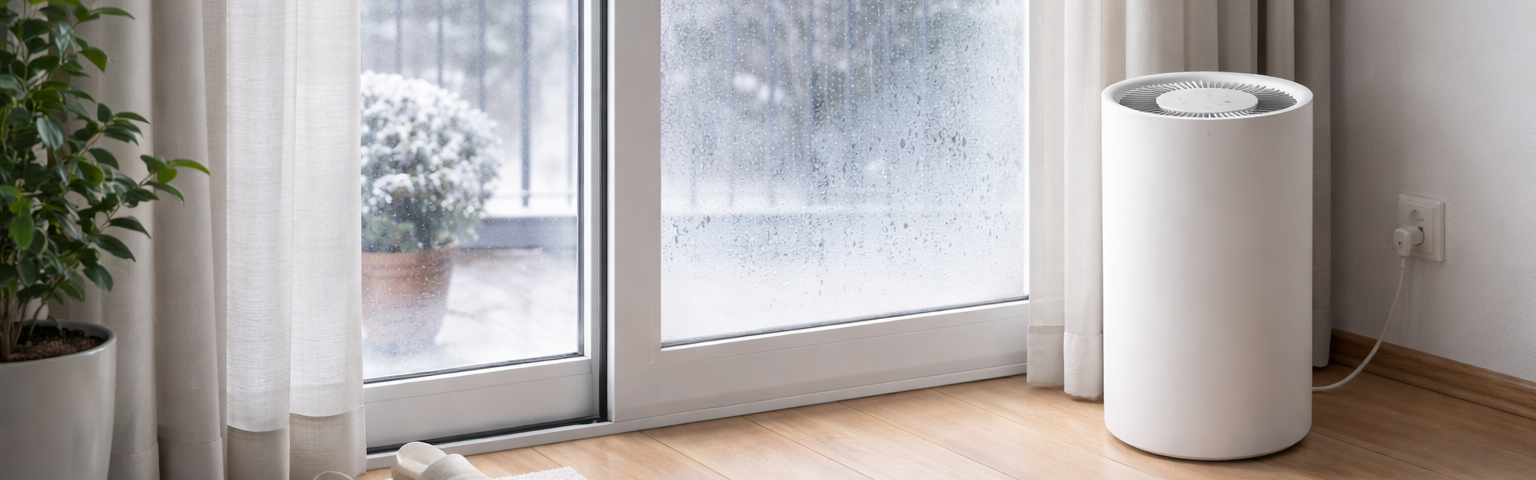

Every winter, the same problem returned in my flat:
- Wet windows in the morning
- Condensation around glass doors
- Bedrooms sitting at 60-70% relative humidity overnight
One morning I noticed water pooling on the floor near the glass door. That was the moment I stopped treating this as a minor annoyance.
Outside humidity here during winter is often 70–90%, while temperatures frequently sit around 0 °C and regularly drop below freezing at night. Even with heating and regular ventilation, indoor humidity stayed too high for comfort.
The result was obvious: moisture everywhere.
I wanted a fully automated and resilient setup in Home Assistant that could keep humidity under control without constantly toggling devices manually.
Why humidity control gets tricky in winter
A common mistake is aiming for one perfect number (for example 45% RH) and forcing the system to stay there all the time.
In practice, that can overwork dehumidifiers, increase noise, and still produce unstable cycling.
What worked better for me was:
- Room-level control instead of one global target
- Hysteresis (different ON and OFF thresholds)
- Stability timers to avoid oscillation
- Independent automations per room
This made the system quieter, more efficient, and much more reliable.
Final hardware setup
I ended up with distributed moisture control:
- 1x Comfee dehumidifier in the bathroom
- 2x Xiaomi Smart Dehumidifier Lite (main bedroom + children’s bedroom)
- Wall-mounted Zigbee humidity sensors in each room
- Home Assistant Yellow with stable Zigbee routing
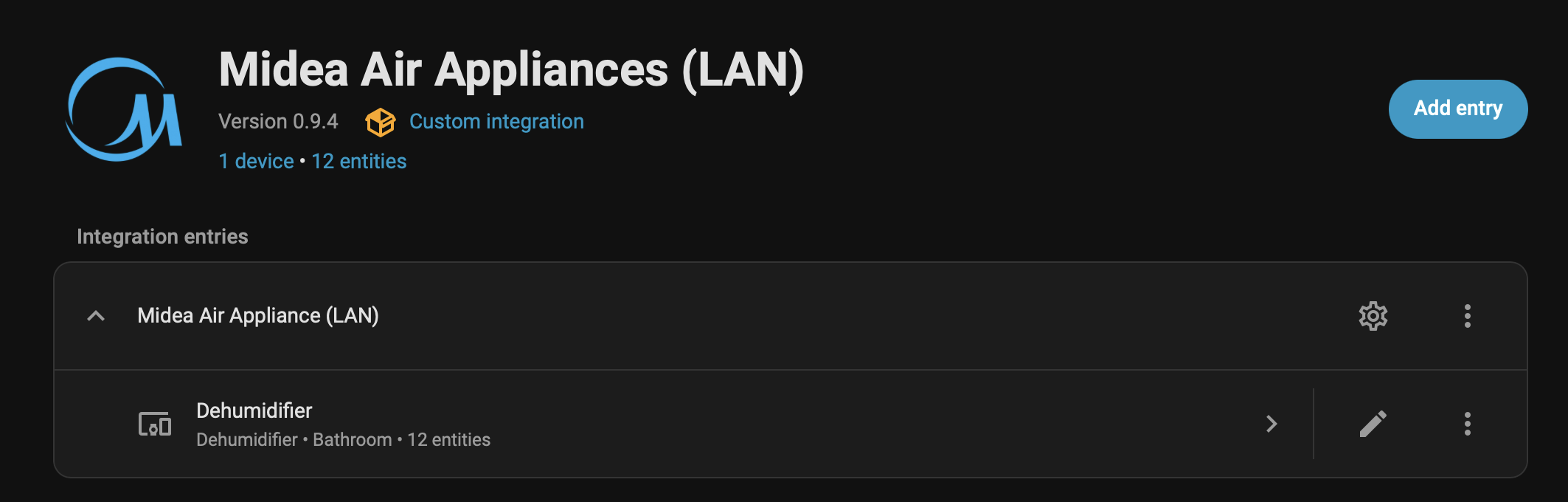
To connect everything cleanly in Home Assistant, I had to install two integrations:
Xiaomi Miotfrom HACS (for Xiaomi dehumidifiers)
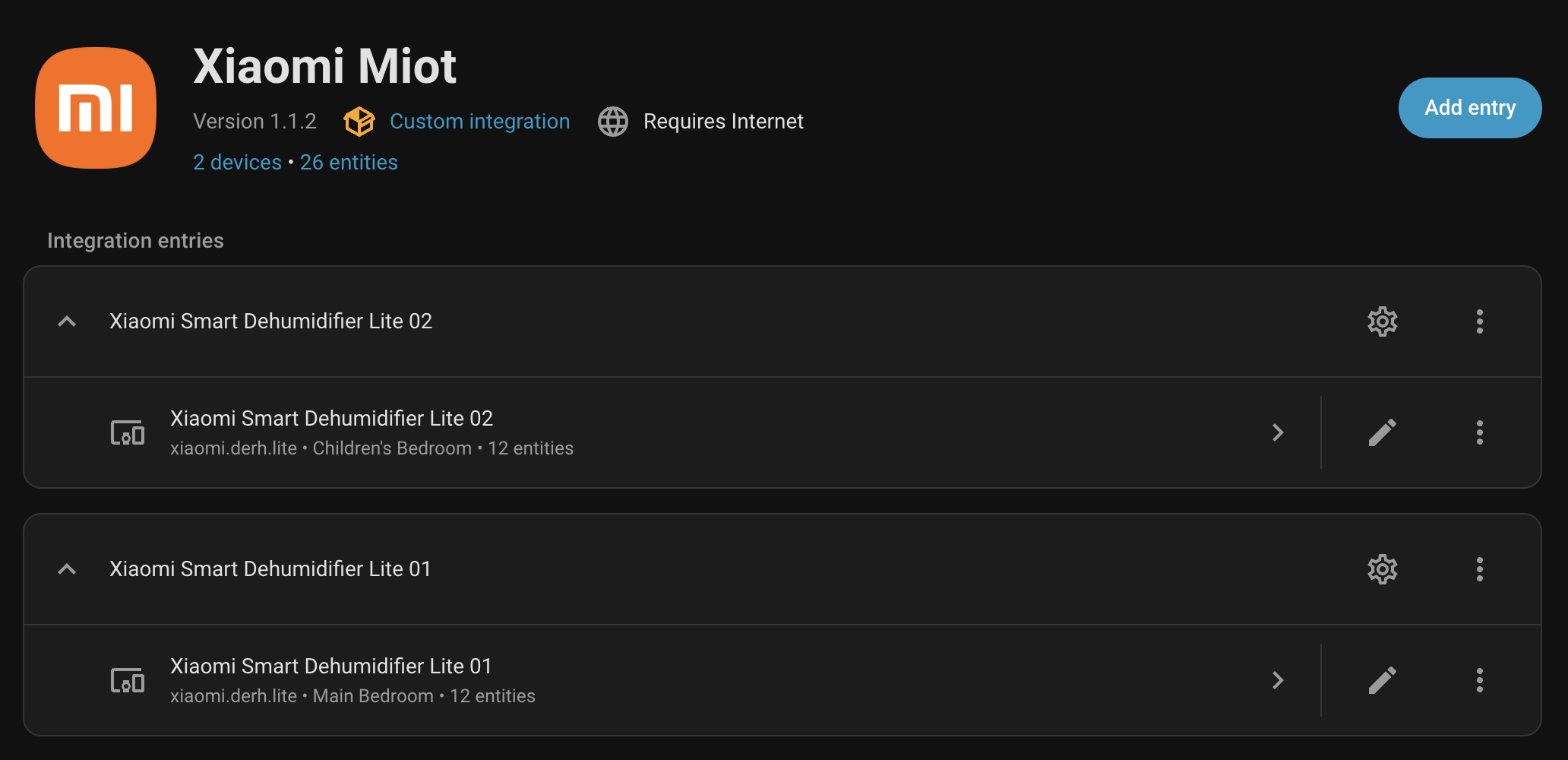
Midea Air Appliances(for the Comfee dehumidifier)
The key design decision:
Wall sensors are the source of truth, not dehumidifier internal sensors.
Internal sensors measure intake air and are heavily affected by device placement. Wall sensors reflect what people actually feel in the room.
Main bedroom automation logic
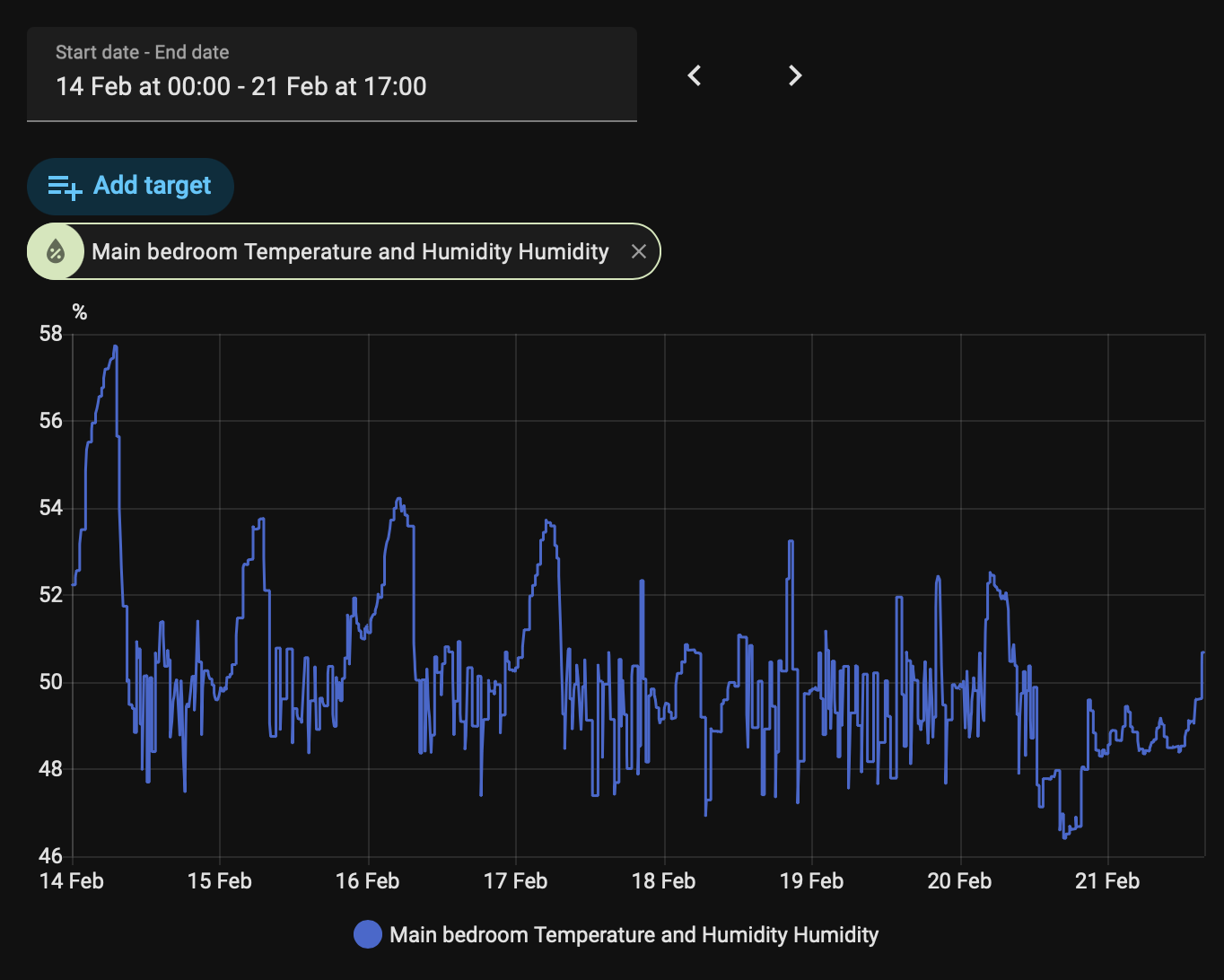
The main bedroom follows a conservative hysteresis model:
- Turn ON above 50% RH (after 2 minutes of stability)
- Turn OFF below 48% RH (after 10 minutes of stability)
I also use periodic checks and Home Assistant startup triggers so the automation self-heals after restarts.
ON automation
alias: Main Bedroom - Turn dehumidifier ON
trigger:
  - platform: numeric_state
    entity_id: sensor.main_bedroom_temperature_and_humidity_humidity
    above: 50
    for: "00:02:00"
  - platform: time_pattern
    minutes: "/5"
  - platform: homeassistant
    event: start
condition:
  - condition: state
    entity_id: humidifier.xiaomi_lite_814e_dehumidifier
    state: "off"
  - condition: numeric_state
    entity_id: sensor.main_bedroom_temperature_and_humidity_humidity
    above: 50
action:
  - service: humidifier.set_humidity
    target:
      entity_id: humidifier.xiaomi_lite_814e_dehumidifier
    data:
      humidity: 45
  - service: humidifier.turn_on
    target:
      entity_id: humidifier.xiaomi_lite_814e_dehumidifier
mode: single
OFF automation
alias: Main Bedroom - Turn dehumidifier OFF
trigger:
  - platform: numeric_state
    entity_id: sensor.main_bedroom_temperature_and_humidity_humidity
    below: 48
    for: "00:10:00"
  - platform: time_pattern
    minutes: "/5"
  - platform: homeassistant
    event: start
condition:
  - condition: state
    entity_id: humidifier.xiaomi_lite_814e_dehumidifier
    state: "on"
  - condition: numeric_state
    entity_id: sensor.main_bedroom_temperature_and_humidity_humidity
    below: 48
action:
  - service: humidifier.turn_off
    target:
      entity_id: humidifier.xiaomi_lite_814e_dehumidifier
mode: single
That 2% gap plus different hold times was enough to eliminate constant ON/OFF flapping.
Tank-full / fault detection for Xiaomi units
The Xiaomi integration exposes fault codes through:
sensor.xiaomi_lite_814e_device_fault- Attribute:
dehumidifier.fault
0 means normal state, and values above 0 usually indicate a fault (most commonly a full tank).
Instead of silently failing, I trigger push notifications when faults persist for a few seconds.
alias: Main Bedroom Dehumidifier Tank Full
trigger:
  - platform: numeric_state
    entity_id: sensor.xiaomi_lite_814e_device_fault
    attribute: dehumidifier.fault
    above: 0
    for:
      seconds: 10
action:
  - parallel:
      - action: notify.mobile_app_jon_iphone
        data:
          title: Main Bedroom Dehumidifier Tank Full
          message: >-
            The main bedroom dehumidifier reported a fault (code: {{ state_attr('sensor.xiaomi_lite_814e_device_fault', 'dehumidifier.fault') }}).
            This is usually a full tank. Please check and empty it.
mode: single
This simple alert removed one of the most annoying failure modes: the dehumidifier is technically “on”, but nothing is being dehumidified.
Children’s bedroom and bathroom strategy
I do not use exactly the same thresholds everywhere.
Children’s bedroom
I keep slightly softer thresholds for comfort:
- ON around 52-55%
- OFF around 48-50%
Bathroom (Comfee)
The bathroom uses more aggressive source control:
- ON around 58-60%
- OFF around 52%
This room creates short humidity spikes (showers), so local response works much better than trying to dry the entire flat globally.
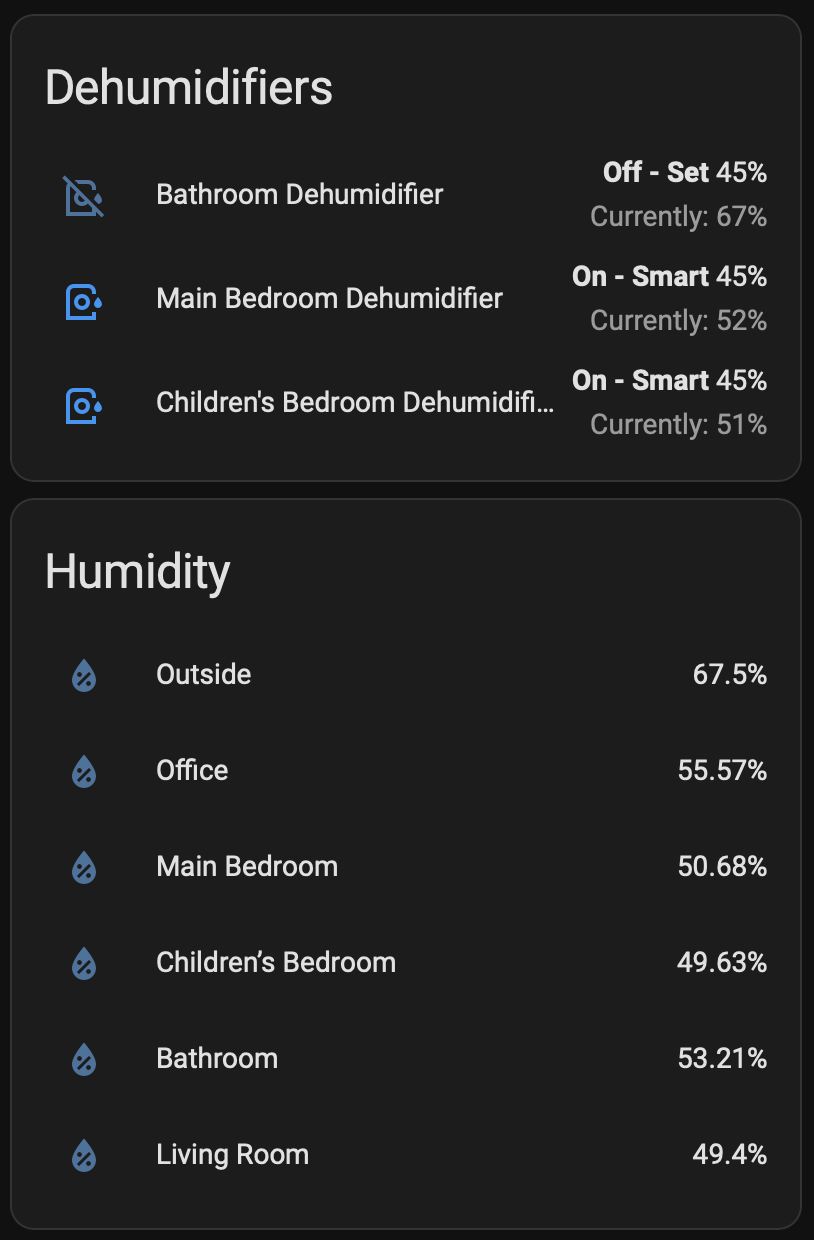
The 45% experiment that failed
I initially pushed all rooms toward 45% RH because it sounded like the “ideal” number.
In my real setup, it was not ideal:
- Devices ran too often
- Noise increased
- Comfort did not improve proportionally
- Practical maintenance (tank emptying) got worse
After tuning, the 48-52% band became the sweet spot:
- Condensation mostly gone
- Better cycling behavior
- Lower operational stress on devices
This was the biggest lesson: optimize for a stable system, not a theoretically perfect number.
Reliability patterns that mattered most
A few implementation details made a huge difference:
- Multi-trigger automations (
numeric_state+ periodic checks + HA startup) - Explicit hysteresis thresholds per room
- Longer OFF stability windows than ON windows
- Fault-code-based alerts instead of brittle string checks
These patterns made the setup resilient to restarts, temporary sensor noise, and common real-world device issues.
Final result
By the end of winter, humidity control became mostly invisible:
- Windows stayed dry most mornings
- Bedrooms remained in a controlled range overnight
- Manual intervention dropped to occasional tank emptying
And because everything is room-level and event-driven, I can keep iterating each zone independently without breaking the whole system.
If you are battling winter condensation, start with three things:
- Use external room sensors as your source of truth.
- Implement hysteresis with stability timers.
- Tune each room based on real behavior, not one universal target.
That combination made all the difference in my flat.